skip to main content
Sharp BP Advanced Series MFPs: Key Features
Sharp BP Advanced Series MFPs: Key Features

Business Card Scan Demo on the Sharp BP Advanced Series MFP Video Length - 1:21

Business Card Scan Demo on the Sharp BP Advanced Series MFP

This feature allows users to digitize multiple business cards, creating individual files for each card and a consolidated CSV file with all contact information.

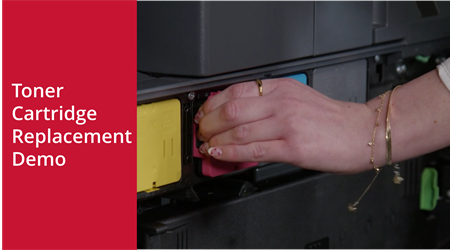
Toner Cartridge Replacement Demo on the Sharp BP Advanced Series MFP Video Length - 1:03

Toner Cartridge Replacement Demo on the Sharp BP Advanced Series MFP

This demo instructs users on how to swap out low or empty toner, ensuring uninterrupted printing and maintaining high-quality output.
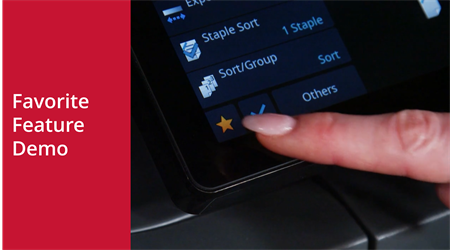
Favorite Feature Demo on the Sharp BP Advanced Series MFP Video Length - 1:11

Favorite Feature Demo on the Sharp BP Advanced Series MFP

This feature allows users to save frequently used settings or workflows so they can be accessed quickly without manually configuring options each time. 
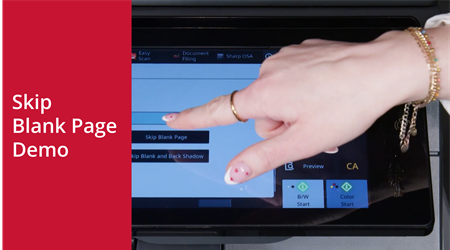
Skip Blank Page Demo on the Sharp BP Advanced Series MFP Video Length - 1:13

Skip Blank Page Demo on the Sharp BP Advanced Series MFP

This feature allows users to automatically detect and skip blank pages when copying or scanning multi-page originals. 
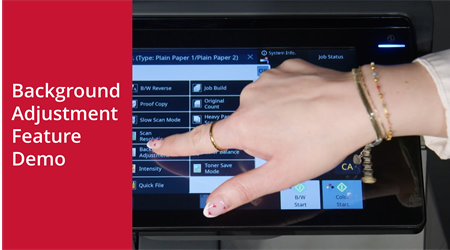
Background Adjustment Feature Demo on the Sharp BP Advanced Series MFP Video Length - 1:04

Background Adjustment Feature Demo on the Sharp BP Advanced Series MFP

This feature allows users to remove or lighten colored backgrounds from originals when making copies, helping the content stand out clearly.

123