Sharp BP Advanced Series MFPs: Key Features
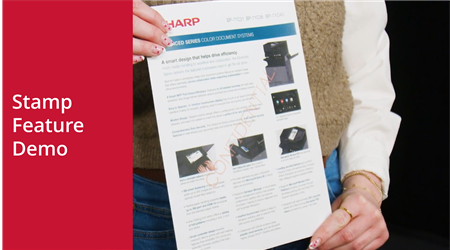 Video Length - 1:18
This feature allows users to add a watermark to copied documents, such as “Confidential,” directly from the copier interface.
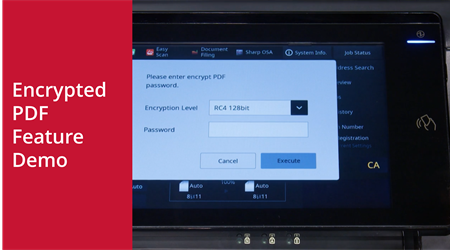 Video Length - 1:23
This feature allows users to protect scanned documents with a password before sending them by email.
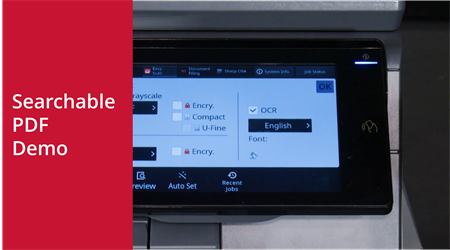 Video Length - 00:58
With OCR (Optical Character Recognition), scanned documents are converted into text-searchable PDFs.
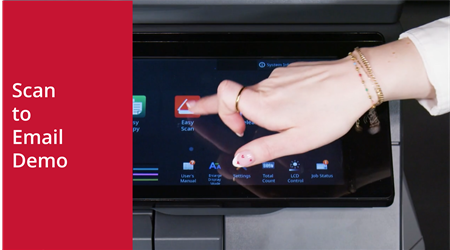 Video Length - 00:42
This feature allows users to quickly digitize paper documents and send them as attachments.
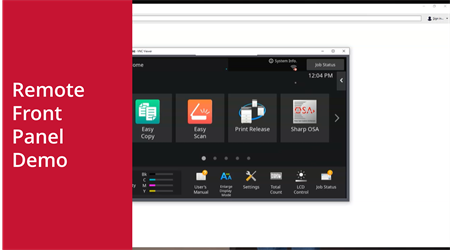 Video Length - 1:28
This feature allows users to operate the MFP remotely from anywhere with an internet connection.
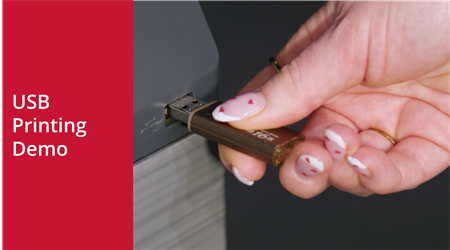 Video Length - 00:58
This feature allows users to print documents without needing a computer, ideal for sharing files on the go or for walk-up printing.
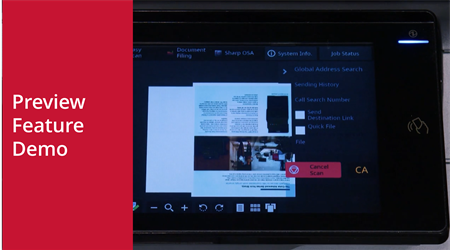 Video Length - 1:33
This feature allows users to review scanned pages before sending or saving to catch errors such as blank pages, upside-down scans, or misaligned originals.
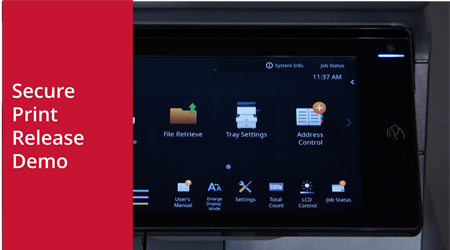 Video Length - 1:19
This feature allows users to queue print jobs and release them at the device when ready, which is especially useful for protecting sensitive documents.